 Bull Run TCG
See what your friends collect
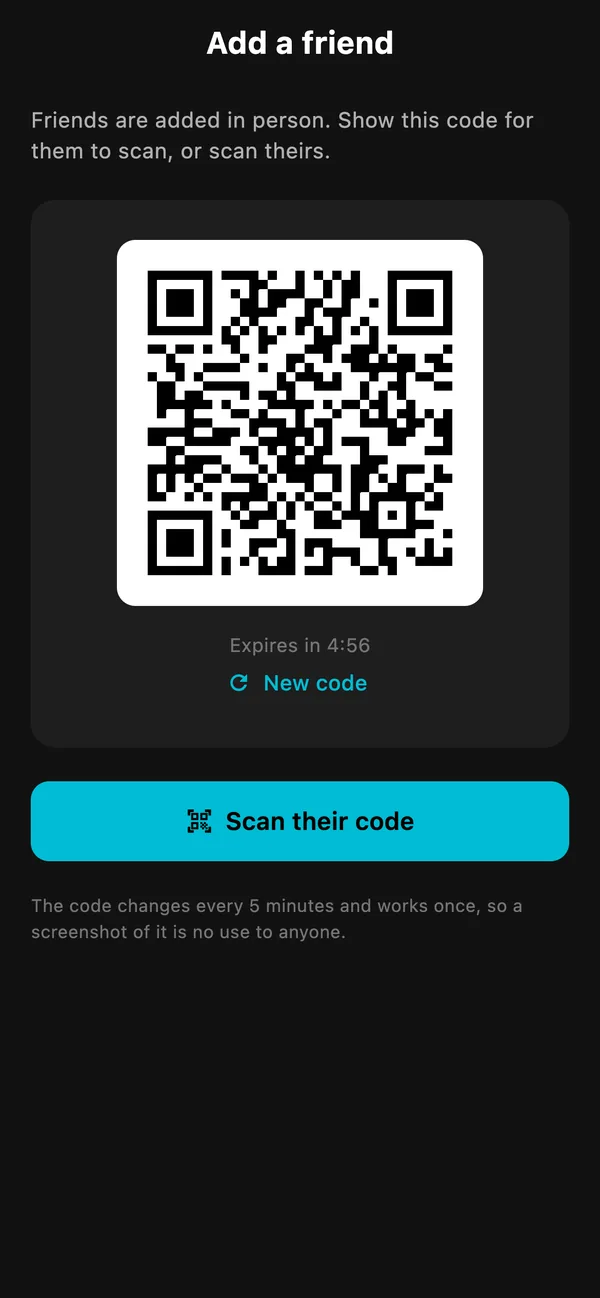
Add friends in seconds, then browse their whole collection and mark the cards you want.
How can I see my friends' card collections?
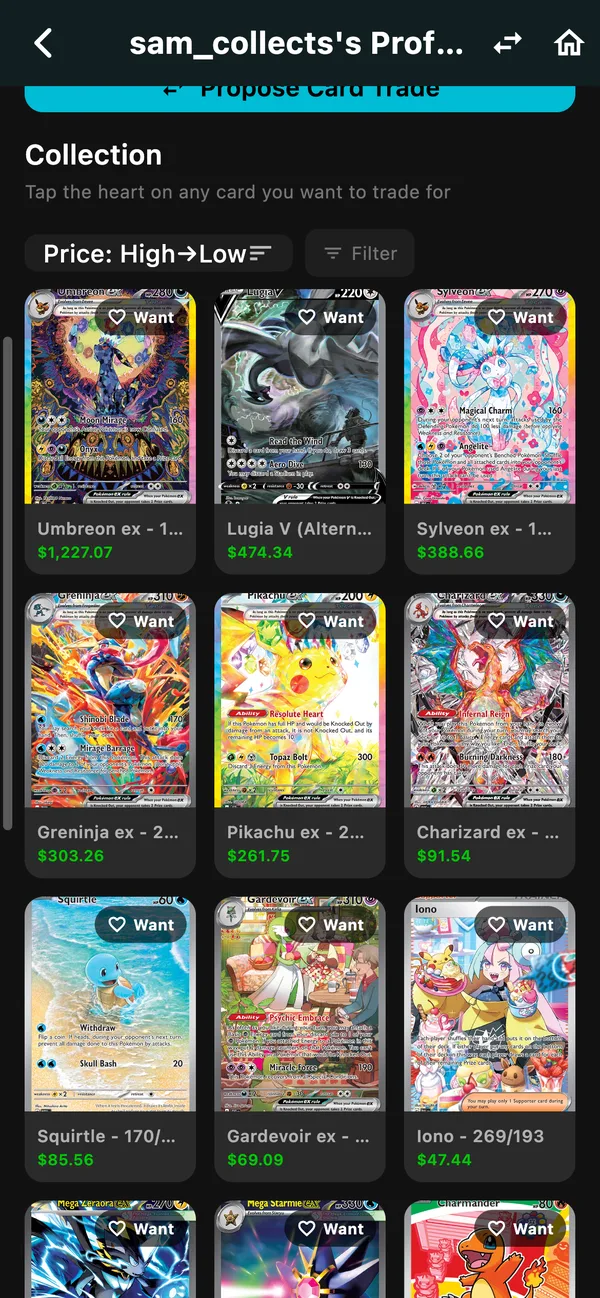
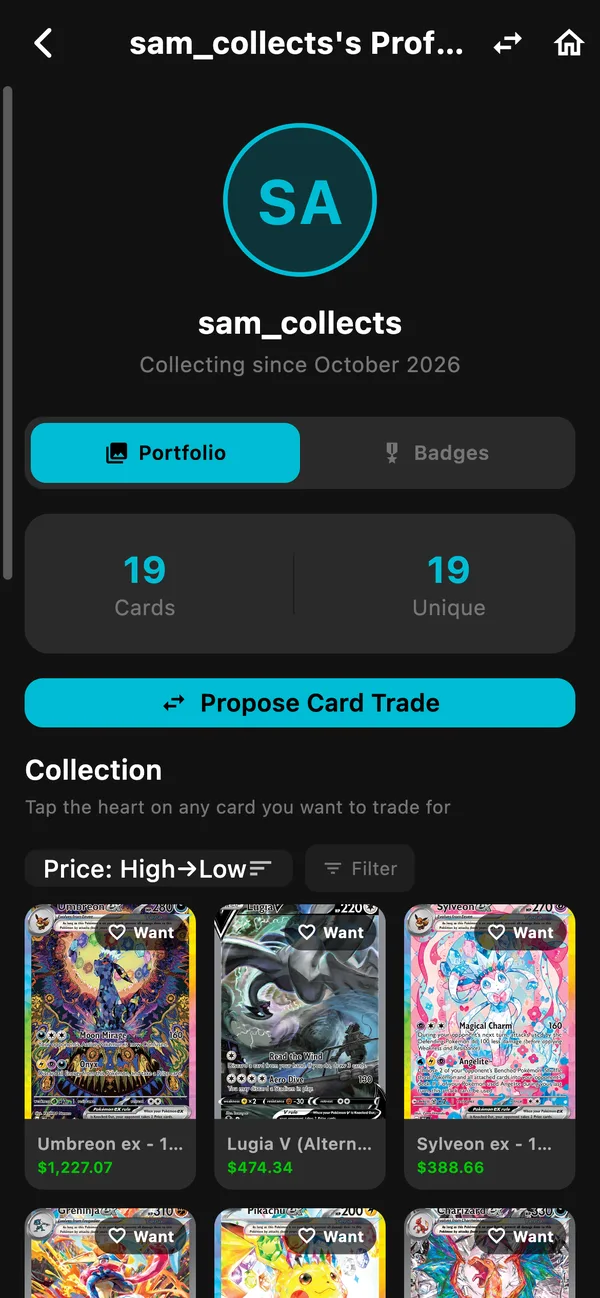
Add each other as friends in Bull Run, and you can each open the other's collection: every card, its value and its printing. Add a friend in person by scanning their QR code or tapping phones together, or from anywhere with their friend code. Heart a card you want and they see it, which makes starting a trade easy.
Open FriendsGet the appAlready have Bull Run TCG? The first button opens it.
How it works
- Add a friend by QR code, friend code or tapping phones.
- Open their profile to browse their whole collection.
- Heart the cards you want, then propose a trade.
In the app
Why Bull Run
See each card in a friend's collection with today's value.
Only people you accept as friends can see your cards.
Hearted cards show up for your friend, ready to trade for.
Tips
- Sort a friend's collection by price to find their best cards fast.
- Mark cards you would trade away so friends know they are available.
- Friend codes work from anywhere; QR and tapping phones work in person.
- Your combined collection value shows on your friendship page.
Frequently asked questions
Who can see my collection?
Only people you have accepted as friends. Anyone else sees nothing.
How do I add a friend?
On the Friends tab, tap the add button. Show your QR code or scan theirs, share your friend code, or tap phones together when you are in the same room.
What does the heart on a friend's card do?
It tells your friend you want that card. It shows on their Interests tab, and you can start a trade for it.
Try Bull Run on your phone
Free to start. Scan a few cards and see what they are worth.
Bull Run is in beta. The App Store and Google Play listings open at launch.
Updated October 23, 2026 · All features · How Bull Run works